
Insurance renewal tracking: X-dates, pipeline stages and outreach timing
Capture verified expiration dates, keep every renewal in a named stage and time outreach with clear stops before switching renewal automation on.
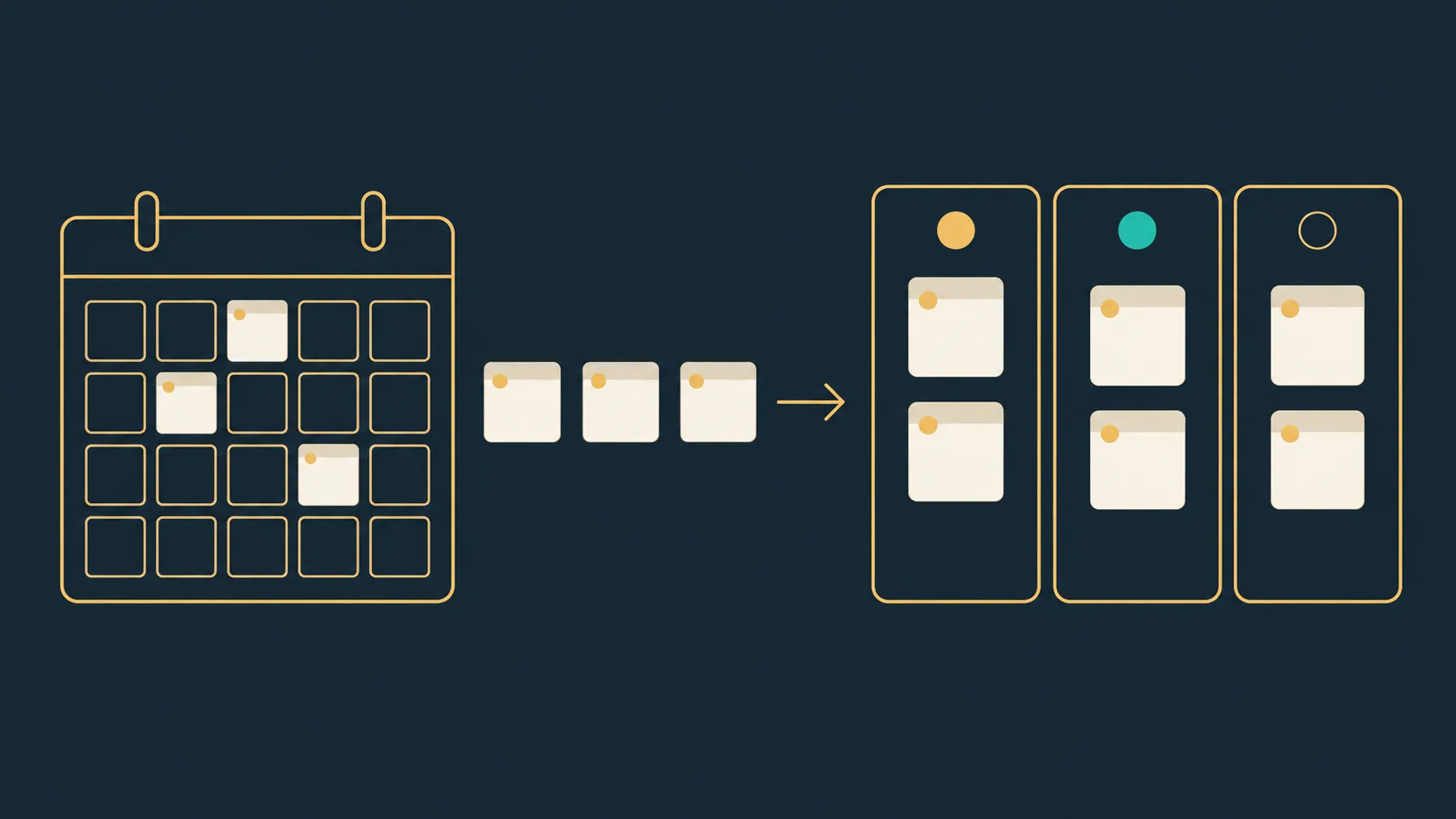
Cover: conceptual illustration of renewal dates and stages. No client data or actual system interface is shown.
The short answer
Insurance renewal automation should start from a verified expiration date, the X-date, for each policy. Every renewal then sits in a stage your team can explain, and outreach is timed from that date with stops a person approves. A reminder is not a renewal strategy; a reliable date and clear ownership are.
This guide covers the date, the stages and the timing rules. Message wording and follow-up sequences are covered in the linked quote-follow-up guide. The examples below are proposed workflow designs, not reported client results or guaranteed CRM capabilities.
1. Capture the X-date as verified data
An X-date is the policy expiration date that drives the renewal timeline. Record where each date came from, such as the declarations page, the carrier portal or the management system, and who verified it and when. A date nobody checked is a planning risk, not a plan.
- Do not roll last year's date forward silently. Carrier changes, rewrites and short-term policies move dates.
- Keep one date field as the timeline driver. Notes and documents can hold context, not competing dates.
- A missing or unverified date goes to a named review queue with an owner, never an assumed date.
2. Keep one renewal pipeline with explicit stages
AgencyZoom documents prebuilt Renewals and Surplus Renewals pipelines with configurable stages and attachable automation, so a staged renewal flow may already exist inside your current tools. Whatever the system, use a small set of stages your team understands and define what moves a policy between them.
A starting set to discuss with your agency, not a universal recommendation:
- Date unverified: expiration date missing or unchecked; no outreach timing runs from this stage.
- Upcoming: verified date inside your chosen window; owner assigned.
- Contacted: the client has been approached; record the response state, not only the sent state.
- Information requested: updated values, vehicles, properties or loss details are being collected.
- Quoted or proposal: terms are with the client; a decision date is recorded.
- Bound, renewed or lost: closed with a reason. Lost reasons inform the next cycle.
One policy keeps one renewal record. Rewrites and duplicate imports link to it rather than competing with it.
3. Time outreach from the date, with stops
Free 30-min audit
Want us to build this for your business?
We build complete AI systems for sales, support, operations, and back-office work. Book a free 30-minute assessment — we'll map the highest-value process and what an end-to-end system could look like.
Book a free callWindows such as 90, 60 and 30 days before expiration are a starting point for discussion, not a schedule recommended for every book or line. Choose timing with the agency based on the line of business and the client relationship, then write the stops before the messages.
- Recheck the renewal stage immediately before any scheduled touch, including queued ones.
- Stop when the client replies, when the renewal binds, when the client asks to stop, or when the policy is lost.
- Do not let an upload, call note or stage change happen without cancelling timing that no longer applies.
- Escalate a stalled renewal to a named person before the date passes, not after.
4. Handle missing and changing dates
Real books have imperfect data. Design for it instead of around it.
- Unknown date: the policy sits in the unverified queue with an owner and visible age until someone confirms it.
- Date changes: endorsements, rewrites and carrier corrections update the X-date with their source, and scheduled timing recalculates. Keep the prior date in history.
- Mid-term cancellation: the renewal record closes by rule and all future outreach stops.
- Book transfer or new producer: ownership moves with the record; pending tasks do not disappear with the previous owner.
5. Test exceptions with synthetic records
Use fake names and dummy policies in an approved test environment. These are proposed acceptance checks, not claims that every system supports them without configuration.
- Import the same policy twice: one renewal record exists and no duplicate outreach is queued.
- Change a verified date after timing is scheduled: stale reminders cancel and new timing follows the updated date.
- Bind the renewal before the next touch: the sequence stops and the stage closes with a reason.
- Record an opt-out: every channel and future sequence respects it.
- Producer absence: the defined backup receives the work without opening unrelated client records.
- Fail the integration after record creation: retrying completes the update without a second policy or another first-touch message.
- Close a policy mid-term: pending renewal messages stop according to the approved rule.
6. Measure retention, not messages sent
Record renewed versus lost with reasons, the time from first renewal touch to bound, and the number of policies still carrying unverified dates. Compare the same book before and after the change where a reliable baseline exists. More renewal emails sent is not evidence that retention improved.
Where implementation help fits
If your current system already runs staged renewal pipelines with dates and stops, use it. Implementation help is useful when expiration dates live across carrier portals, the management system and spreadsheets, or when ownership and stops are unclear. Define what done means: verified dates, one record per policy, timing that recalculates on change and a documented stop path. Mopshy works on renewal tracking and related workflows inside an agency's existing CRM and connected tools.
Frequently asked questions
What's your AI Readiness Score?
10 questions. A personalized score, profile, and a 90-day automation roadmap built for your business. No email required.


Free workflow review
Find the workflow worth automating next
Bring one process that is slow, repetitive, expensive, or leaking opportunities. We will map the current workflow, identify the bottleneck, and tell you whether automation is worth pursuing.
No obligation. If automation is not the right answer, we will say so.
0 Comments
Be the first to comment. Start the conversation below.