
Insurance document collection automation: a checklist for reliable handoffs
Build a document request workflow with a named reviewer, an approved collection route, reminder stop rules and a manual path for wrong or unreadable files.
By Manvendra Kumar, founder of Mopshy
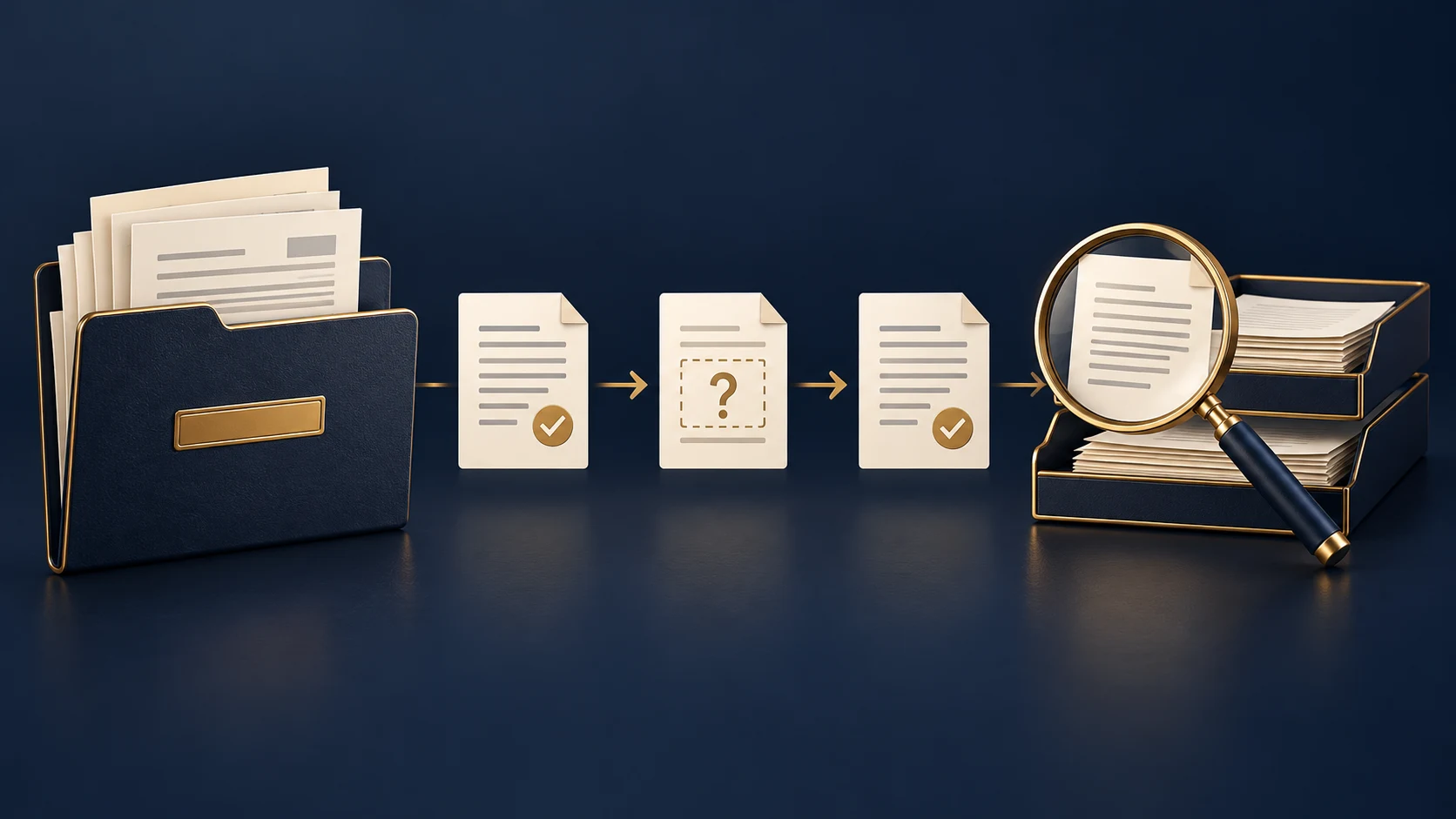
Cover: conceptual illustration of document collection and review. No client data or actual system interface is shown.
The short answer
Insurance document collection automation needs more than a reminder schedule. Keep a list of required documents on the correct client record, name the person who checks them, and give the client an agency-approved collection route. Stop reminders when a document is received and awaiting review. Resume only for a specific missing or rejected item, with a clear explanation and a manual help option.
A file arriving is not the same as a file being complete. An unreadable upload, an old declarations page or a document attached to the wrong record should go to a person, not silently advance the quote. The workflow below is a design example, not a report of client results.
1. Decide what is actually needed
Start with one line of business and one request type. Ask the responsible producer which documents are needed at this step and why. Avoid a universal checklist that asks every prospect for every possible document. Give each requested item a plain-language name so the client can identify it.
The FTC advises businesses to collect sensitive information only when there is a legitimate business need, limit access and keep it only as long as needed. Your agency should set its collection and retention rules with the people responsible for compliance and carrier requirements. This checklist is process guidance, not a determination of your legal obligations.
- Document type and purpose: what the reviewer needs to confirm.
- Client or opportunity reference: a stable identifier that does not expose unnecessary personal information.
- Owner and backup: who checks the item and handles an absence.
- Status and next action: requested, received for review, accepted, needs correction or closed.
- Collection location and retention rule: where the source stays and who may access it.
2. Use an approved collection route before adding another tool
Check the tools your agency already uses. InsurGrid, for example, documents client links for sharing policy data and documents, with reminders and activity notifications. That establishes an available product route, not a claim that every carrier, document or CRM field is supported in your account.
Confirm access controls, supported document types, account permissions and the exact handoff to your CRM. A CRM task can hold a status and a link to an approved source location instead of copying the entire document into every connected app. Do not ask clients to send carrier passwords to your team by email or text.
3. Give each document a review state
Use a small set of states your team understands. Keep received-for-review separate from accepted. This prevents a successful upload notification from being mistaken for a complete file.
- Requested: the client has an active request and a working collection route.
- Received for review: an item arrived; pause requests for that item and notify the reviewer.
- Accepted: the reviewer confirms the item meets the request; close its reminder task.
- Needs correction: the reviewer records the specific problem and asks only for the replacement or missing detail.
- Closed or paused: the opportunity ended, the client asked to stop, or a person is handling the next step.
Free 30-min audit
Want us to build this for your business?
We build complete AI systems for sales, support, operations, and back-office work. Book a free 30-minute assessment — we'll map the highest-value process and what an end-to-end system could look like.
Book a free call4. Write reminder stops before reminder messages
Choose the channel, permitted messages and timing with the agency before turning anything on. There is no single reminder schedule recommended here for every client. Use the urgency of the request, the client relationship and your own response history, then review whether the messages are helpful.
- Recheck the current status immediately before sending, including queued reminders.
- Stop an item reminder after receipt while a person reviews it. Do not keep asking for a file already supplied.
- Pause automation when the client replies with a problem, the collection link fails, the contact method is invalid or the request is no longer active.
- When a document is rejected, say which item needs correction and why. Do not restart the whole checklist.
- Escalate unresolved items to the named owner. A person decides whether to call, change the request or close it.
5. Test exceptions with synthetic records
The following acceptance checks are illustrative. Use fake names and dummy documents in an approved test environment, not real policyholder files. Confirm the behavior in your actual tools before rollout.
- A duplicate upload reaches the same request: one review task exists, and no duplicate reminder is created.
- The wrong document arrives: the request becomes needs-correction, with a reason; other accepted items stay closed.
- An upload cannot be opened: the owner gets a review task, the file is not accepted and repeated automated nudges pause.
- A scheduled reminder races with an upload: the latest received-for-review state prevents the reminder from sending.
- A client replies that they cannot find the item: automation pauses and a person gets the next action.
- The producer is absent: a defined backup receives the task without opening access to unrelated client files.
- The integration fails after receipt: an exception is visible; retrying does not create another record or message.
- The opportunity closes: pending reminders and document requests stop according to the agency-approved rule.
6. Measure complete files, not messages sent
Record the time from request to accepted documents, the number of requests still missing items and the age of unresolved exceptions. Separate waiting on the client from waiting on an internal review. Compare the same request type before and after the change where a reliable baseline exists. More reminders sent is not evidence that quotes complete faster.
Where implementation help fits
If the collection tool already handles the request well, use it. Implementation help is useful when ownership, statuses or handoffs across tools remain unclear. Define what done means: correct record, reviewer notified, reminders stopped at the right moment and a documented recovery path. Mopshy works on document collection and related workflows inside an agency's existing CRM and connected tools.
Plan the connected workflow
Sources and product references
- Protecting Personal Information: A Guide for Business (Federal Trade Commission)
- Dec Page Collection (InsurGrid, product documentation)
Frequently asked questions
What's your AI Readiness Score?
10 questions. A personalized score, profile, and a 90-day automation roadmap built for your business. No email required.


Free workflow review
Find the workflow worth automating next
Bring one process that is slow, repetitive, expensive, or leaking opportunities. We will map the current workflow, identify the bottleneck, and tell you whether automation is worth pursuing.
No obligation. If automation is not the right answer, we will say so.
0 Comments
Be the first to comment. Start the conversation below.